
Identifying Duplicate Transaction Entries
Practical protocols for spotting repeated postings, resolving batch sync anomalies, and maintaining pristine general ledger accuracy.
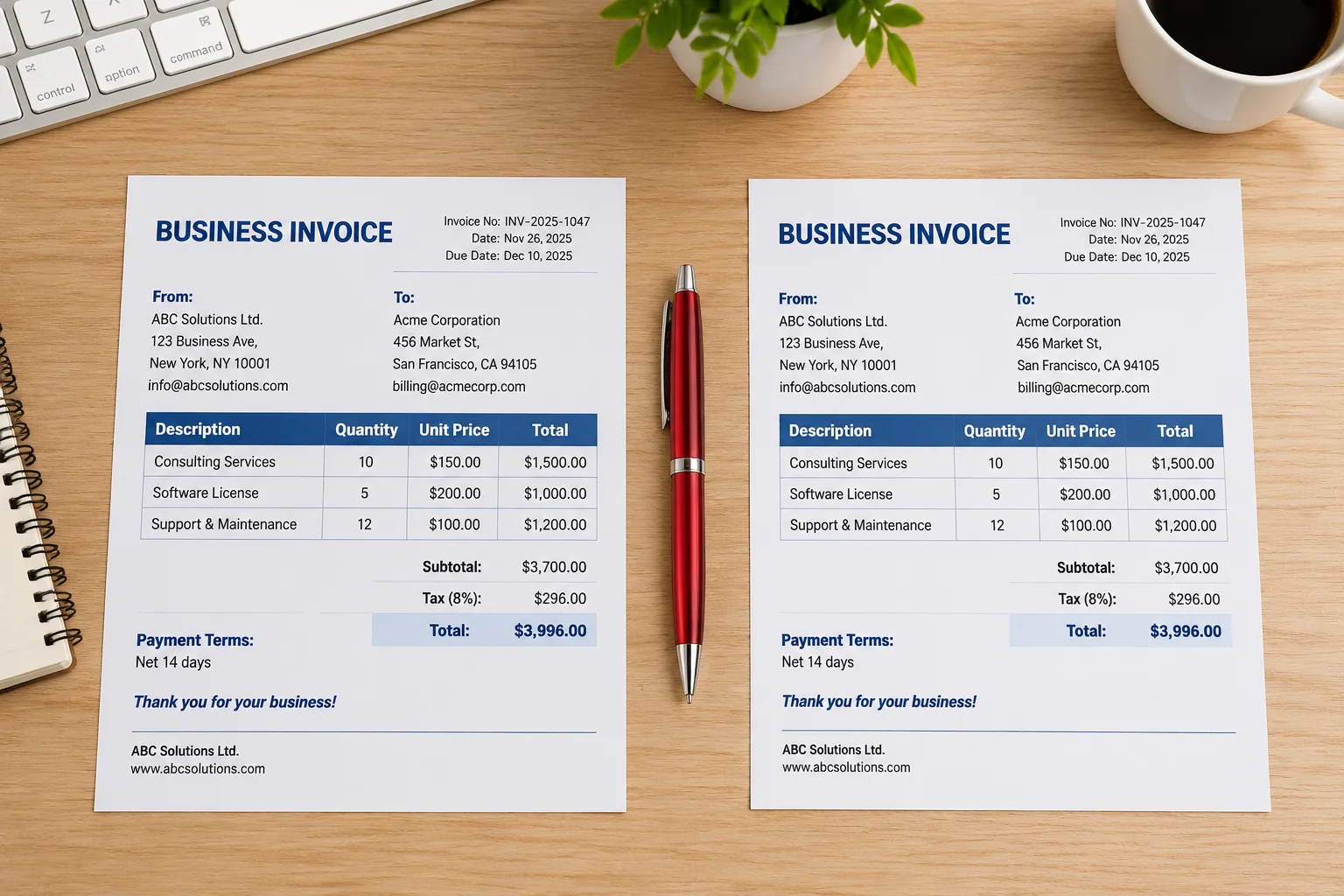
Uncovering Redundant Postings Across Account Registers
Duplicate transaction records silently distort ledger reporting, causing erroneous variances against actual bank statements. Establishing exact matching parameters isolates cloned items before month-end closure.
Critical Audit Checkpoints
- Typical Origin
- Batch Sync Re-imports & Manual Re-entry
- Discrepancy Impact
- Distorted Expense or Revenue Totals
- Detection Window
- 3 to 5 business days across statement dates
- Primary Identifier
- Matching reference code, date & penny value
Primary Mechanisms Behind Redundant Records
Duplicate transaction entries often enter accounting registers unnoticed when automated bank feeds overlap with manual journal entries. In many working journals, a bookkeeper manually records a vendor invoice payment, while the automated bank statement feed imports the identical transaction several days later upon settlement. Because both records represent the exact same physical expenditure, the cash account balance immediately becomes artificially distorted.
Another common scenario occurs during file format migrations, such as importing CSV or QIF bank statements repeatedly after an interrupted upload. If the software lacks automated deduplication hashing, the ledger stores twin lines featuring identical dates, descriptions, and net sums. Catching these entries early prevents severe discrepancies during month-end closing procedures.
Analyze Real-World Discrepancy Scenarios
Review our documented accounting case study analyzing duplicate charge corrections and resolution timelines.
Distinguishing Genuine Recurring Transactions from Errors
Not every pair of identical amounts constitutes an accidental duplicate entry. Businesses routinely pay recurring subscription fees, identical weekly utility tariffs, or multiple small vendor invoices of equal value on the same working afternoon. Evaluating context and secondary reference data prevents the accidental deletion of legitimate entries that happen to mirror one another.
Validating secondary markers like invoice sequential codes and authorization stamps ensures you isolate erroneous ledger duplicates without removing legitimate twin transactions.
— Christopher Hall, Senior Accounting Analyst
Systematic isolation demands examining distinct attributes: unique bank reference IDs, vendor invoice numbers, checkout timestamps, and batch identification headers. When two matching numbers exhibit different authorization tokens or separate vendor slips, they represent distinct physical events that must remain in the ledger.
Diagnostic Checklist for Flagged Entries
When cross-referencing your general ledger against incoming bank documentation, apply this diagnostic sequence before making any voiding or reversing entries:
- Confirm matching numeric values down to the exact cent across both suspect journal lines.
- Inspect the recorded posting dates to verify whether transactions fall within an identical clearing window.
- Cross-examine original source receipts, vendor delivery slips, and external bank reference numbers.
- Verify whether one entry arrived via bank sync while the counterpart stemmed from manual journalizing.
Ledger Correction Protocols and Audit Logging
Once a confirmed duplicate is located, simple deletion is rarely the best practice. Modifying closed ledgers without leaving a clear trail destroys audit integrity and obscures previous reconciliation history. Instead, professional standards prescribe entering a formal reversing entry or marking the redundant import line as void within the dedicated reconciliation register.
Document the rationale in the memo field with precise details: cite the original journal ID, date of detection, and the imported statement line that prompted the adjustment. This practice maintains compliance, facilitates peer review, and preserves a coherent historical narrative for subsequent auditing cycles.
Structured Ledger Review Method
Follow this three-stage analytical workflow to methodically extract, compare, and neutralize duplicate transaction anomalies across any financial ledger.
Filter & Sort Journal Lines
Sort the ledger view by monetary value in ascending order, filtering for matching positive or negative balances posted within a rolling seven-day interval.
Cross-Check Source Tokens
Inspect distinct metadata attributes including transaction reference IDs, check numbers, merchant codes, and clearing timestamps.
Execute Documented Reversal
Post a documented offsetting entry or void the imported ghost record while annotating the internal reconciliation log for tracking.
Parameter Matrix for Duplicate Detection
| Verification Parameter | Ledger Record Standard | Statement Checkpoint | Resolution Rule |
|---|---|---|---|
| Transaction Sum & Currency | Exact cent-level match across two separate journal lines | Single cleared outflow or deposit on official bank statement | Void or reverse the redundant manual or imported ledger line |
| Calendar & Clearing Date | Stamped on or near identical dates (within 1-4 business days) | Confirms single physical withdrawal or deposit date | Correlate statement clearance timestamp against source ticket |
| Unique Reference Number | Identical invoice number or blank sync reference field | Unique bank settlement tracking identifier | Match single bank token to single valid operational disbursement |
Frequently Asked Questions
Practical guidance on resolving tricky duplicate transaction situations during routine reconciliation.
Automated sync mechanisms frequently download cleared items after users have already manually entered receipts or point-of-sale slips into the system. Without rule-based automatic matching turned on, the system records both lines as separate events, duplicating the reported balances.
In an unfinalized reconciliation period, deleting an unverified sync duplicate is often permissible depending on system rules. However, for locked periods or auditable accounts, entering an explicit reversing transaction with a detailed memo ensures that audit trails remain intact.
Always verify statement date boundaries before uploading CSV or OFX files, avoiding overlapping date ranges. Additionally, establish distinct naming standards for manual entries so automated rules can easily flag matching dollar sums.